

UK E-Visa
>> Uncategorized>> UK E-VisaUK E-Visa
How to Get UK E-Visa after approval Email. Please follow the steps after got the visa issuance email notice.
Link copy and paste in your browser.
https://user-auth.apply-to-visit-or-stay-in-the-uk.homeoffice.gov.uk/auth/realms/AUK/protocol/openid-connect/auth?response_type=code&client_id=accessuk&scope=openid&state=b9iVyIj1LEFX7jipzlORKSkxsi-SwxMsE8x4dDzsbSQ%3D&redirect_uri=https://apply-to-visit-or-stay-in-the-uk.homeoffice.gov.uk/dashboard/login/oauth2/code/keycloak&nonce=RsYgh0V7gmxklXbWkoeNhcLiDP7bGNtosgrCLFU96j8
UK eVisa Update – We're Here to Help
UK Immigration Has Changed to eVisas
The UK immigration system has moved from physical visa stickers (vignettes) and paper documents to a digital eVisa system.
Many customers are experiencing difficulties with:
Linking their visa sticker to their UKVI account and eVisa
Accessing or setting up their eVisa
Connecting a new visa approval to their eVisa account
Avoiding errors that may affect their immigration status or travel
Don't worry—we're here to help.
The TBT Team provides professional online assistance to guide you through the entire eVisa process, ensuring your digital immigration status is set up correctly.
Need help? Click here to contact the TBT Team and get expert assistance today.
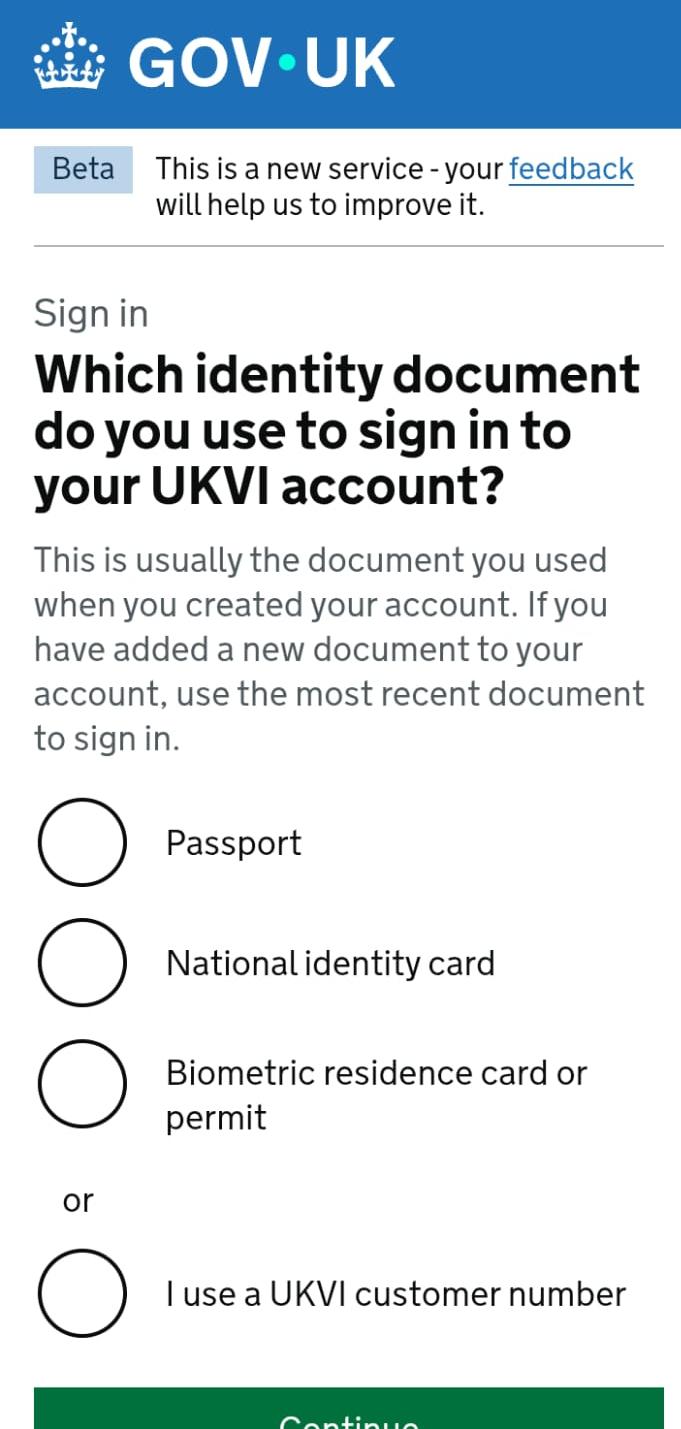
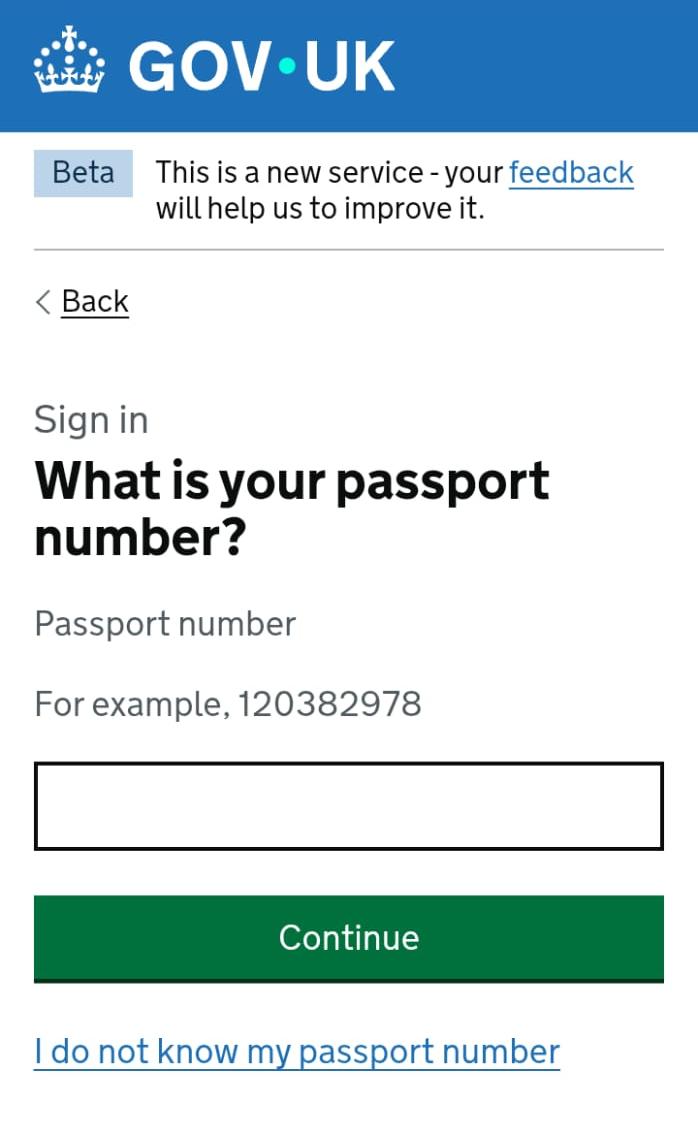
Short Guide: After clicking on this link you will see the page. Select your identity as Passport and continue then enter your passport number and continue enter your date of birth and continue, on the next page website may ask your email or contact number for OTP. Contact us for full guideline.
Related Post